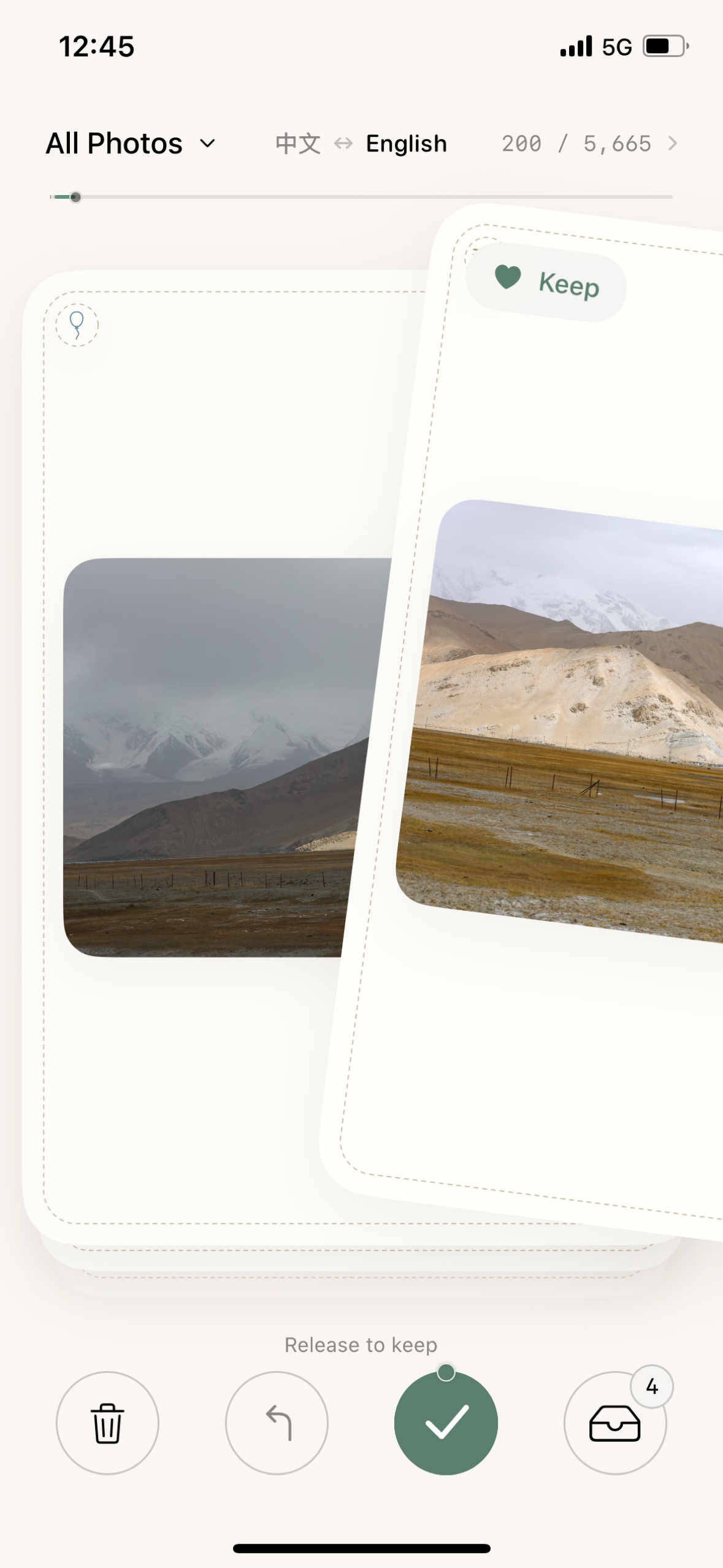
01 /Right for the memories.
Keep what makes you smile. A simple swipe is all it takes.
 Luma · 留白
A gentle way to sort your camera roll. One photo, one small decision, at your own pace.
Meet LumaMade for iPhone & iPad · Coming to the App Store
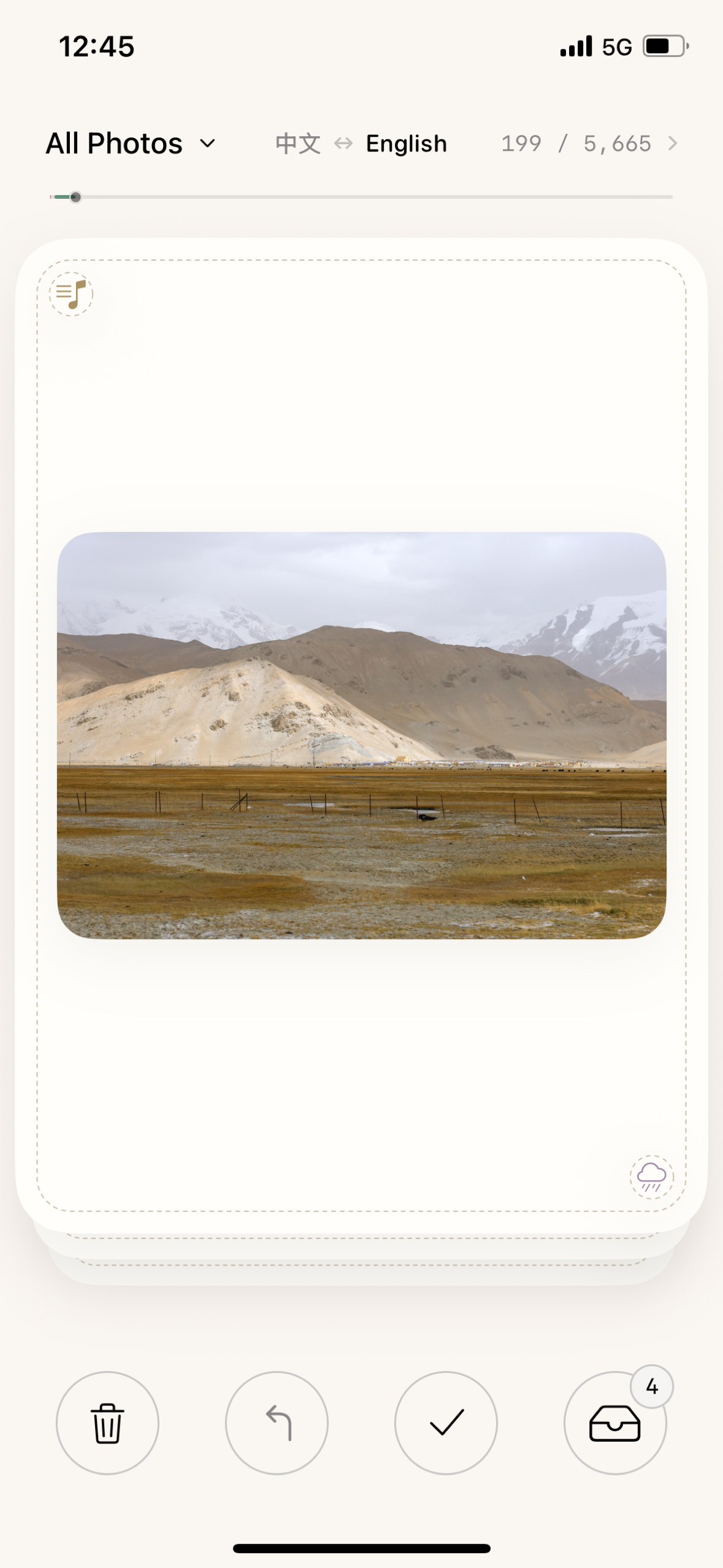
No need to finish it all today. Just start with the photo in front of you.
Keep what makes you smile. A simple swipe is all it takes.
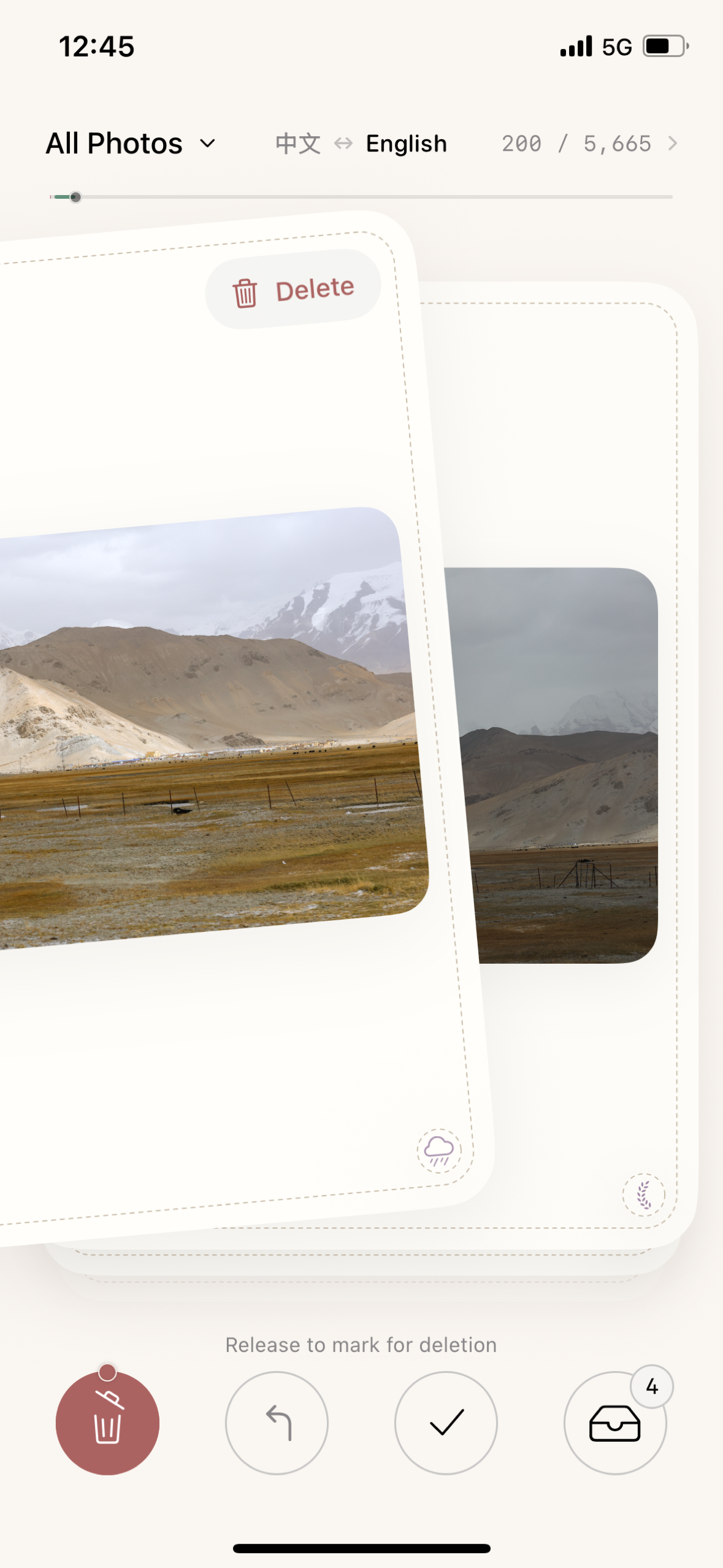
Set a photo aside for review. Swiping left only marks it for deletion.
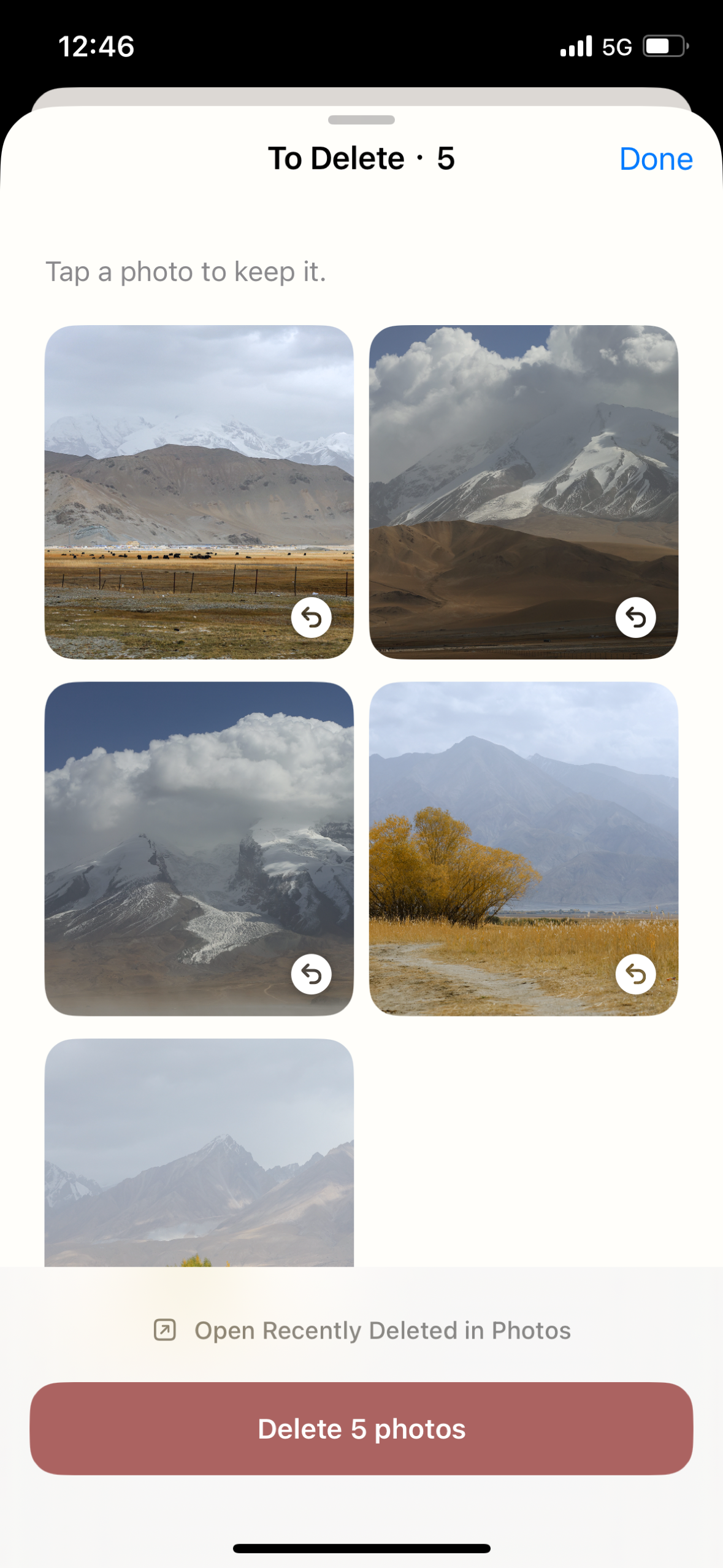
Review your marked photos together. Tap to keep one, or confirm deletion when you are ready. Apple's Recently Deleted feature manages recovery and final removal.
A few helpful answers ↗Sort your entire library or choose an album. Your progress is saved on this device, so you can come back to where you left off.
No account. No ads. Luma does not upload your photos to the developer.
Read our privacy policy ↗Make room for your next surprise.
LUMA · 留白